Location settings
A location is one shop floor: one queue, one board, one check-in link.
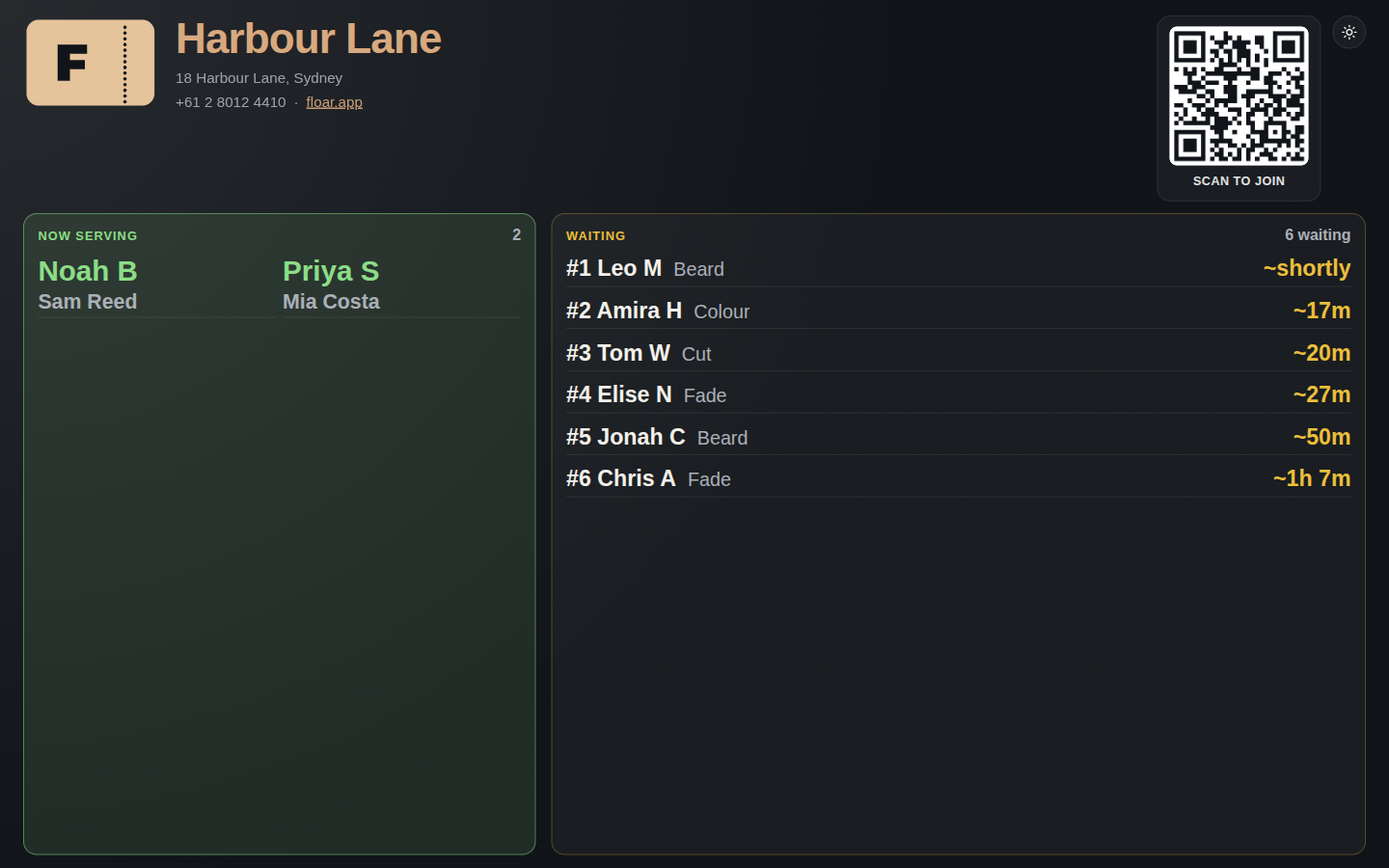
Settings that matter day to day:
- Name and timezone. The timezone is chosen at signup and can be kept aligned with the shop.
- Country. This sets the default phone country on check-in.
- Address, phone, website, and logo address. These brand the guest-facing pages. The logo is an image address, not an upload yet.
- Colours. A brand colour, plus colours for waiting, ready, and done.
- Require mobile. When this is on, a guest cannot join until the mobile number is complete.
- Require service. When this is on, and the location has services, a guest cannot join until they pick one. The check-in page says required or optional to match this switch.
- Close check-in. Stops new joins without deleting the queue.
- Cancel everyone waiting. An emergency clear of people still waiting. It needs a PIN and the word CANCEL, and only a group that is allowed to do it can open it.
- Archive. Hides a location that should no longer be used.
The public URLs are /check-in/ and /board/ plus the location’s slug.